Mission Ops logo

The operating system for nonprofits that need more capacity, not more software.

Mission Ops gives nonprofits one AI-powered system to organize donors, campaigns, grants, events, and follow-up — so nothing slips through the cracks and your team can move the mission forward.

The problem

Most nonprofits are not short on passion. They are short on capacity.

Donor notes are scattered. Grant deadlines sneak up. Event details live in spreadsheets. Board follow-up falls through.

Mission Ops brings it all into one connected system, with AI that helps your team know what to do next.

Your foundation

One operating system, built around your mission and goals.

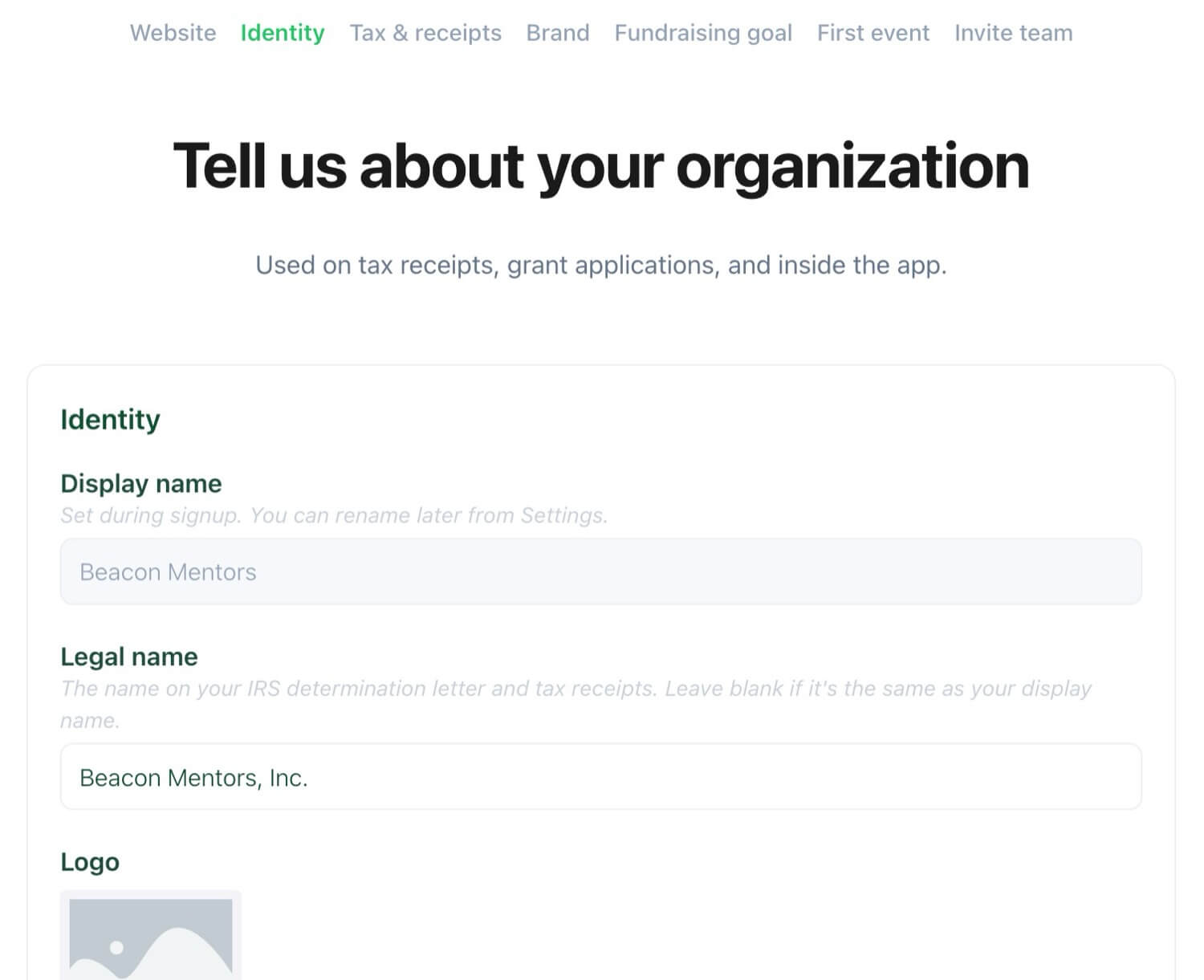
Mission Ops starts with a guided strategy session to organize what makes your nonprofit unique — mission, brand, goals, programs, events, grants, board, and existing documents.

What your team can manage in one place:

  • Donors and donations
  • Events, auctions, and sponsorships
  • Grants and reporting requirements
  • Emails, social, direct mail, and phone follow-up
  • Board assignments and materials
  • Documents, stories, photos, and assets
  • Goals, progress, and key metrics

That foundation shapes your dashboard, AI recommendations, campaigns, and reports — and helps your team understand what to do next.

AI Strategist

AI strategy built from real-world playbooks.

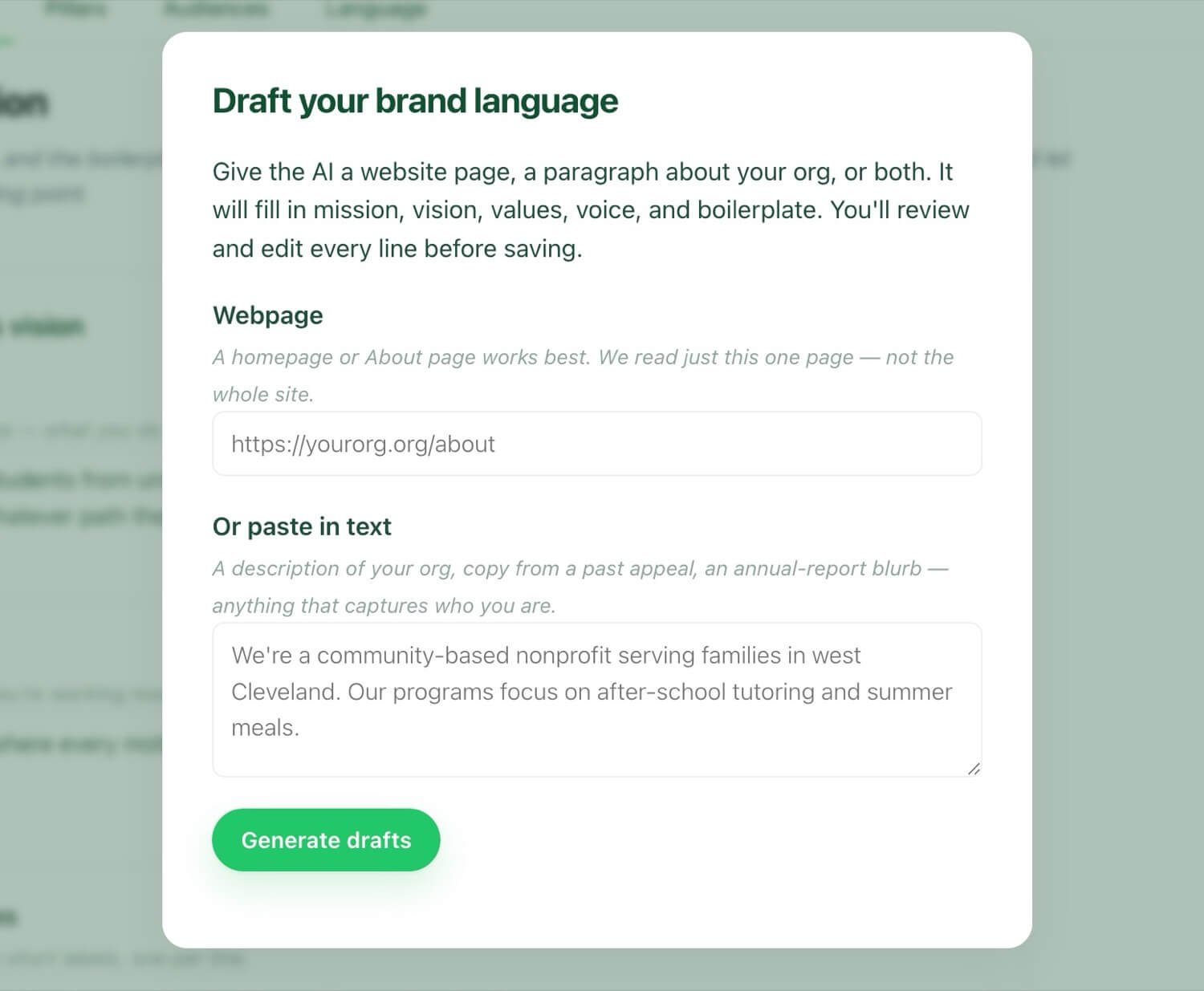
Mission Ops AI does more than write captions and emails. Your built-in strategist looks at goals, campaigns, events, donor activity, and deadlines, then helps your team decide what to do next.

It can help you:

  • See if you are behind goal and suggest ways to close the gap
  • Recommend when to send emails, social, mail, or phone follow-up
  • Turn past events into repeatable campaign plans
  • Identify donors and lapsed donors who need attention
  • Draft thank-you emails and event reminder sequences
  • Pull approved language into grants, board updates, and summaries
  • Flag grants with missing documents or off-brand messaging
  • Push back when a strategy feels weak

The playbooks, prompts, and frameworks keep growing, so your nonprofit gets expert guidance that becomes more useful over time.

Free for nonprofits

Free to use. Built to grow with your fundraising.

Mission Ops is designed to be free for nonprofits, with revenue connected to donations processed through the platform. When a donor gives through Mission Ops, they are asked to cover a small platform cost as part of their donation.

In many cases, donors choose to cover that cost — helping the nonprofit keep the full value of the gift while using Mission Ops for free.

As your organization grows, you may choose to add expanded storage, additional AI usage, deeper customization, strategic support, or custom integrations.

How it works

A simpler way to run and grow your nonprofit.

You do not just get another login. You get a working system built around your nonprofit, your goals, and the way your team actually works.

1

Build your foundation

We start with a guided strategy session to pull out, refine, and organize your mission, brand, goals, programs, events, grants, board structure, and existing documents — then build Mission Ops around how your nonprofit actually works.

2

Connect the work your way

We import and organize existing documents, contacts, donor data, event details, grant materials, assets, and reports into one connected system. Turn modules on or off, hide what you do not need, and add more as you grow.

3

Know what to do next

Use your dashboard and AI strategist to see who needs follow-up, what deadlines are coming up, where you stand against your goals, which campaigns are moving, and where your team should focus next.

Platform

Connected. Simple. Organized.

One operating system for the work that usually gets spread across disconnected tools, folders, spreadsheets, and inboxes.

Executive Dashboard

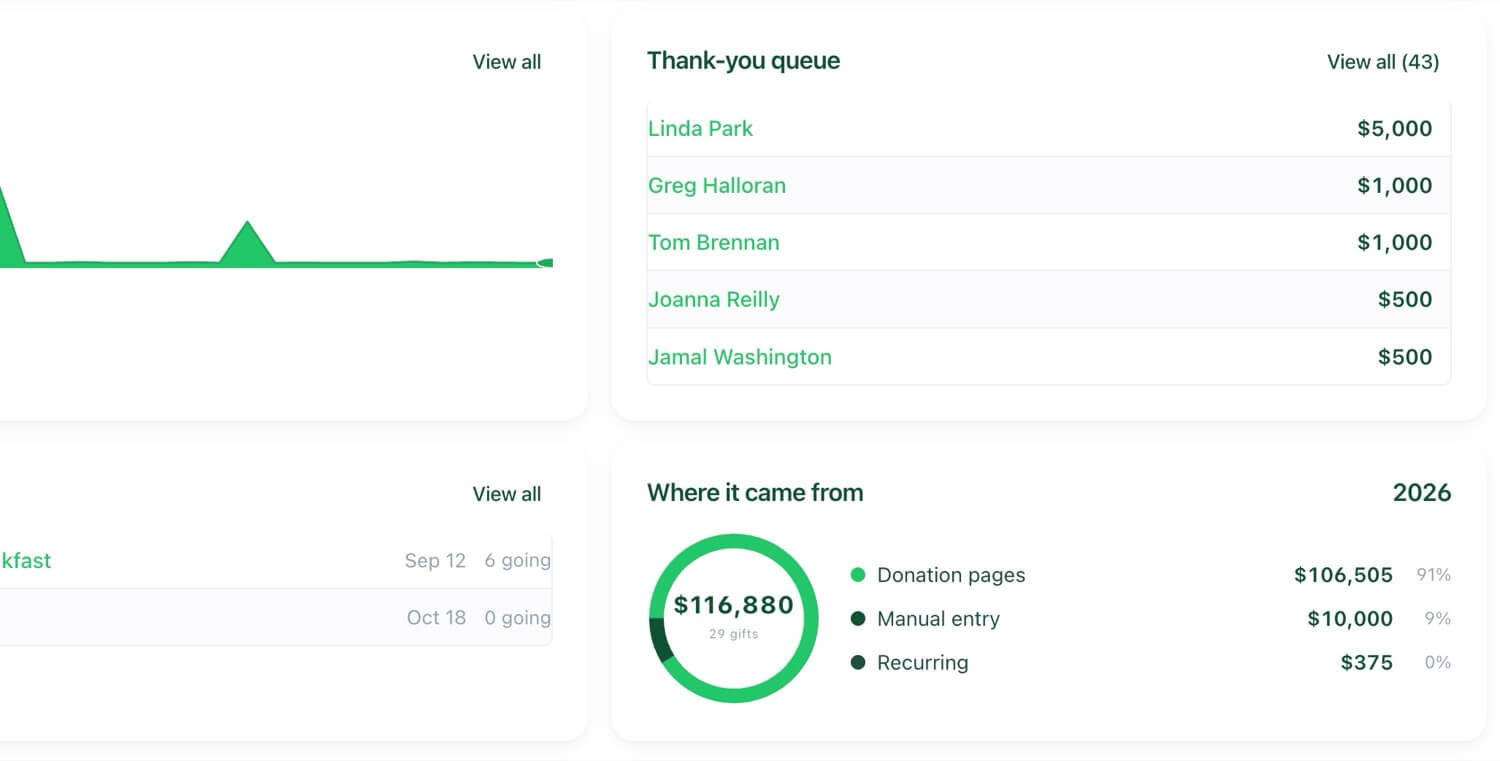
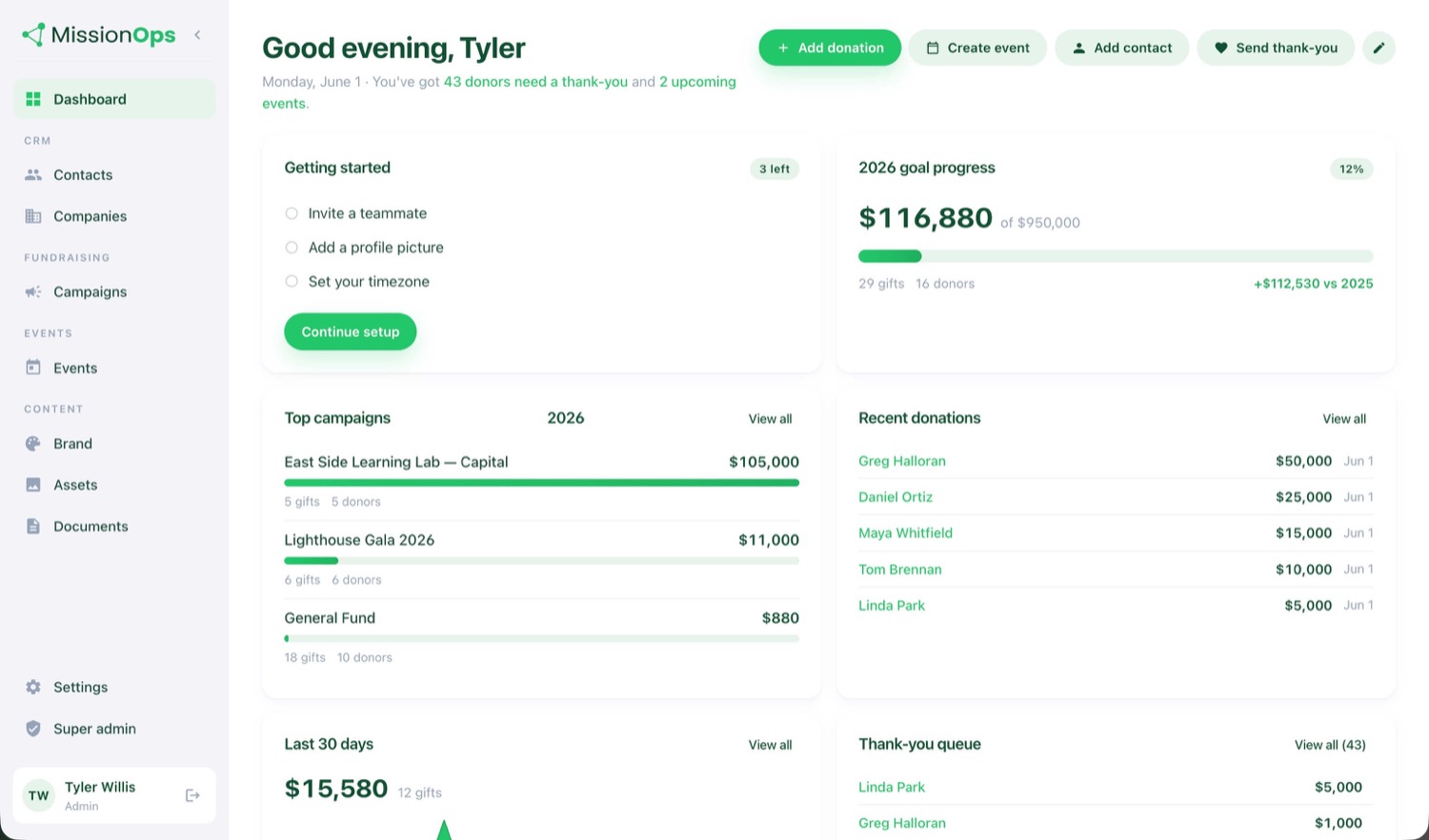
See annual fundraising progress, campaign activity, recent donations, grant deadlines, event performance, open tasks, and AI recommendations from one command center.

CRM + Donor Management

Manage donors, sponsors, volunteers, attendees, board members, funders, partners, and key relationships with notes, tags, history, tasks, and follow-up reminders.

Fundraising + Donations

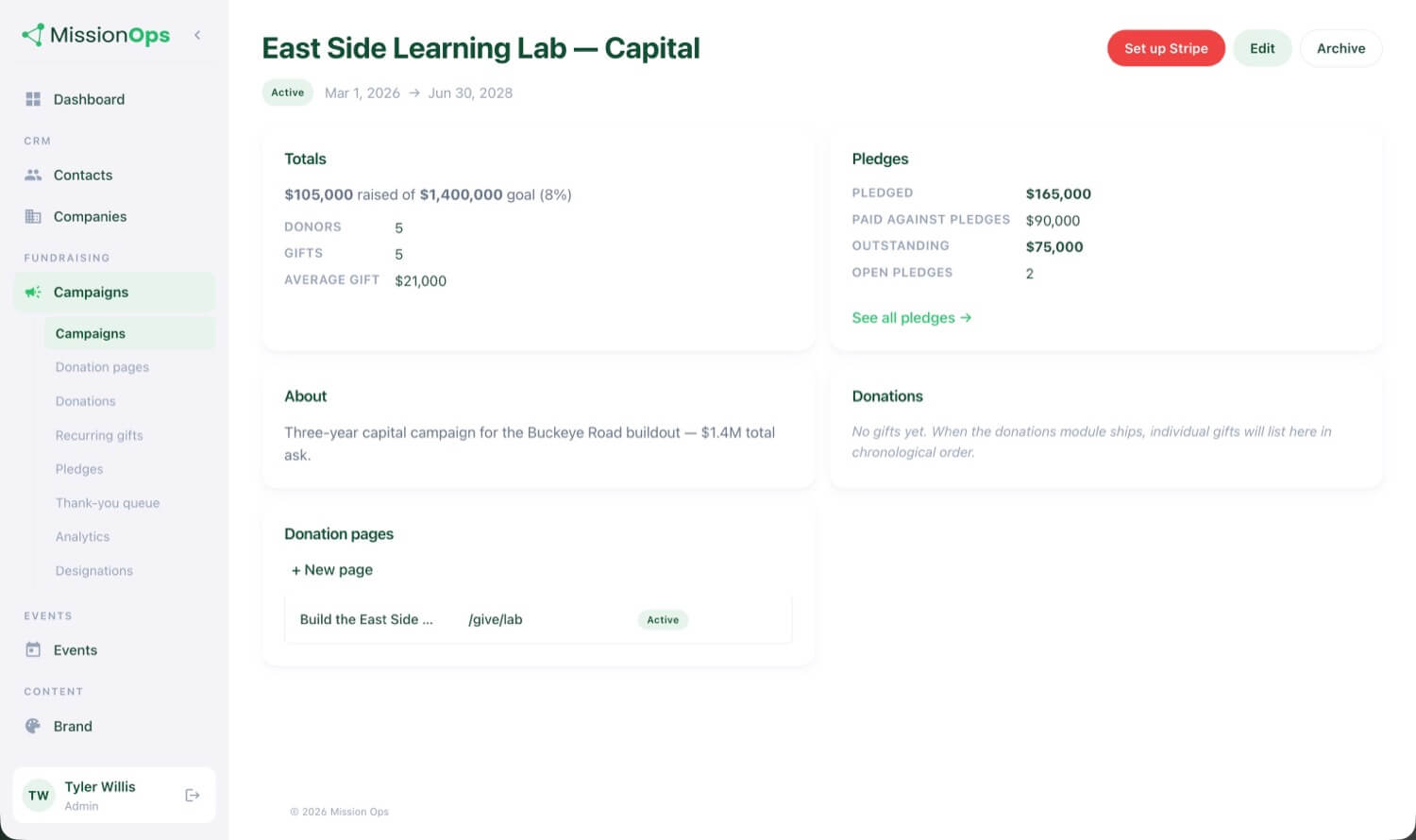
Create campaigns, track donations, manage recurring giving, generate QR codes, monitor goals, and trigger thank-you workflows.

Events + Sponsorships

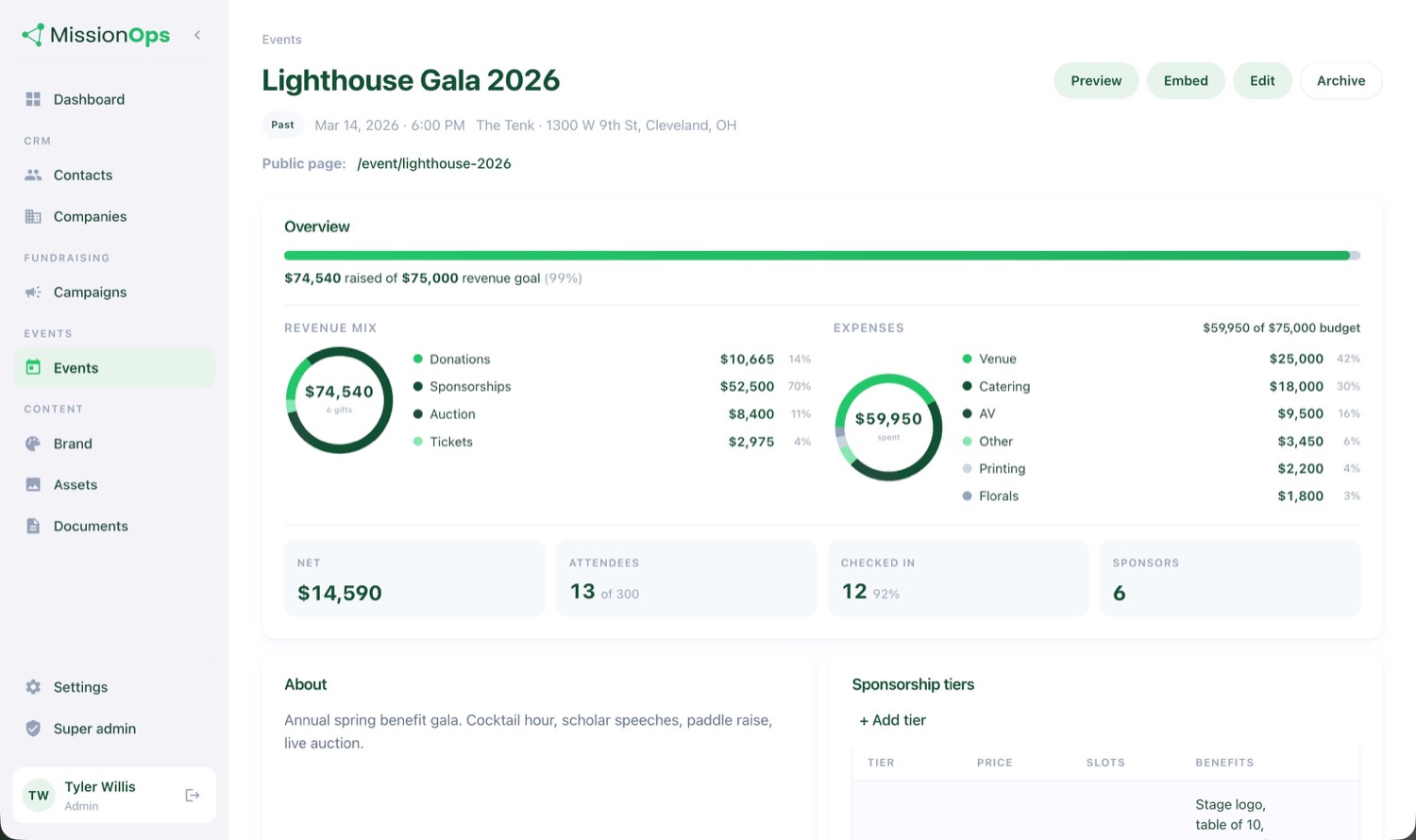
Plan fundraising events with one workspace for sponsors, attendees, auction items, tasks, communications, expenses, revenue, and post-event reporting.

Grants

Track grant opportunities, deadlines, required documents, reusable narratives, submission status, awards, declines, and reporting reminders.

Communications + Brand

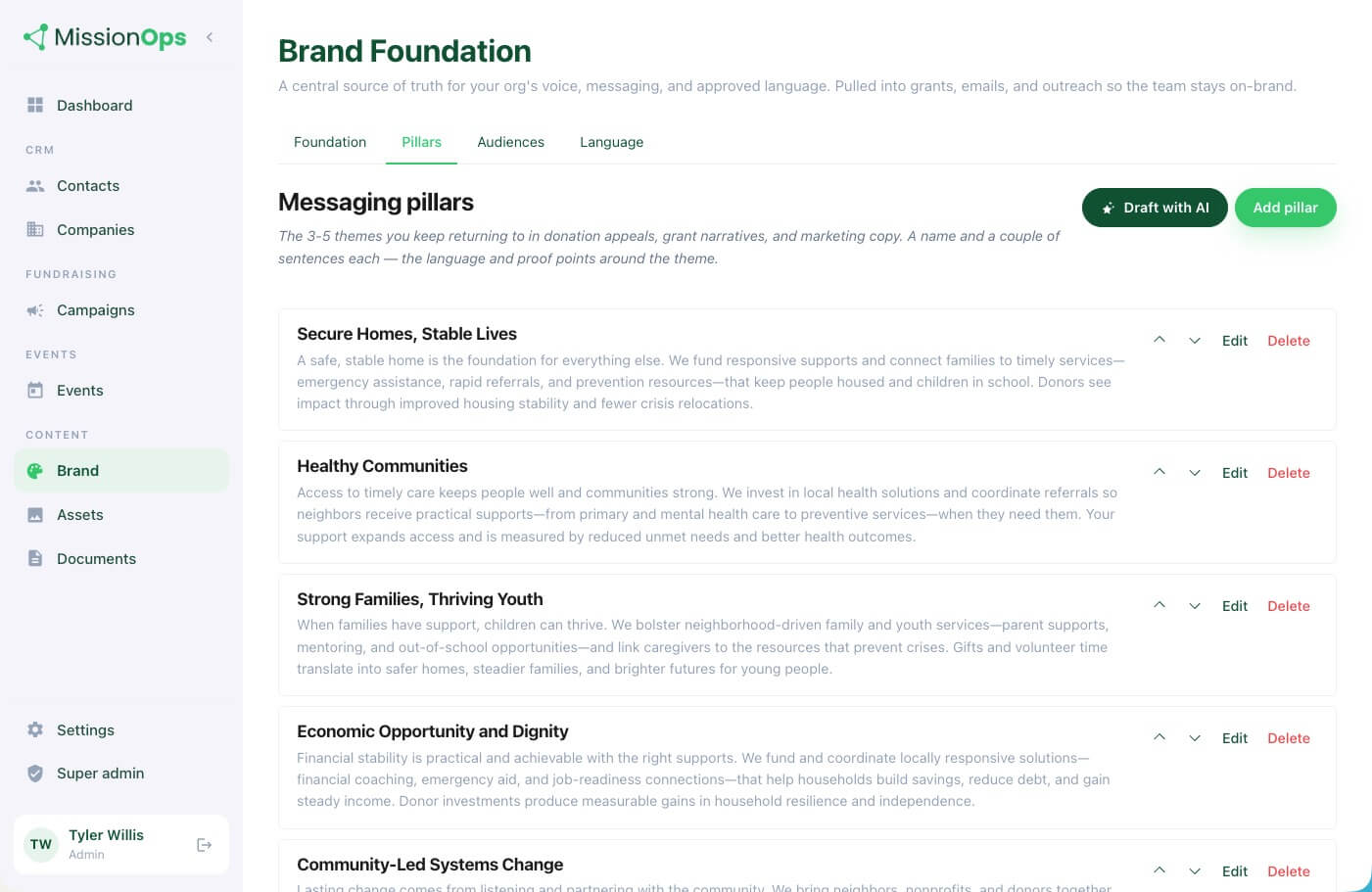
Keep emails, social posts, donor messages, sponsorship language, website copy, and grant language aligned with your approved brand foundation.

Board Portal

Give board members a simple place to find meeting materials, campaign updates, approved outreach templates, assignments, and fundraising progress.

Documents + Asset Library

Store photos, videos, logos, reports, templates, case studies, testimonials, sponsor logos, and key files in one organized, searchable library.

Planning + Reporting

Set goals, track KPIs, monitor fundraising progress, review event ROI, prepare board updates, and create reports that show what is working.

Recurring campaigns

Build smarter campaigns around what already happens every year.

Most nonprofits repeat the same events, appeals, reports, and outreach cycles every year. Mission Ops helps turn those recurring moments into organized campaigns.

For example, your annual gala can automatically become:

  • Sponsor outreach plan
  • Email sequence
  • Social media calendar
  • Direct mail reminder
  • Board outreach assignments
  • Event task list
  • Donation page
  • Thank-you workflow
  • Post-event report

Instead of rebuilding everything from scratch, your team starts with a plan.

Customizable

Use what you need. Hide what you do not.

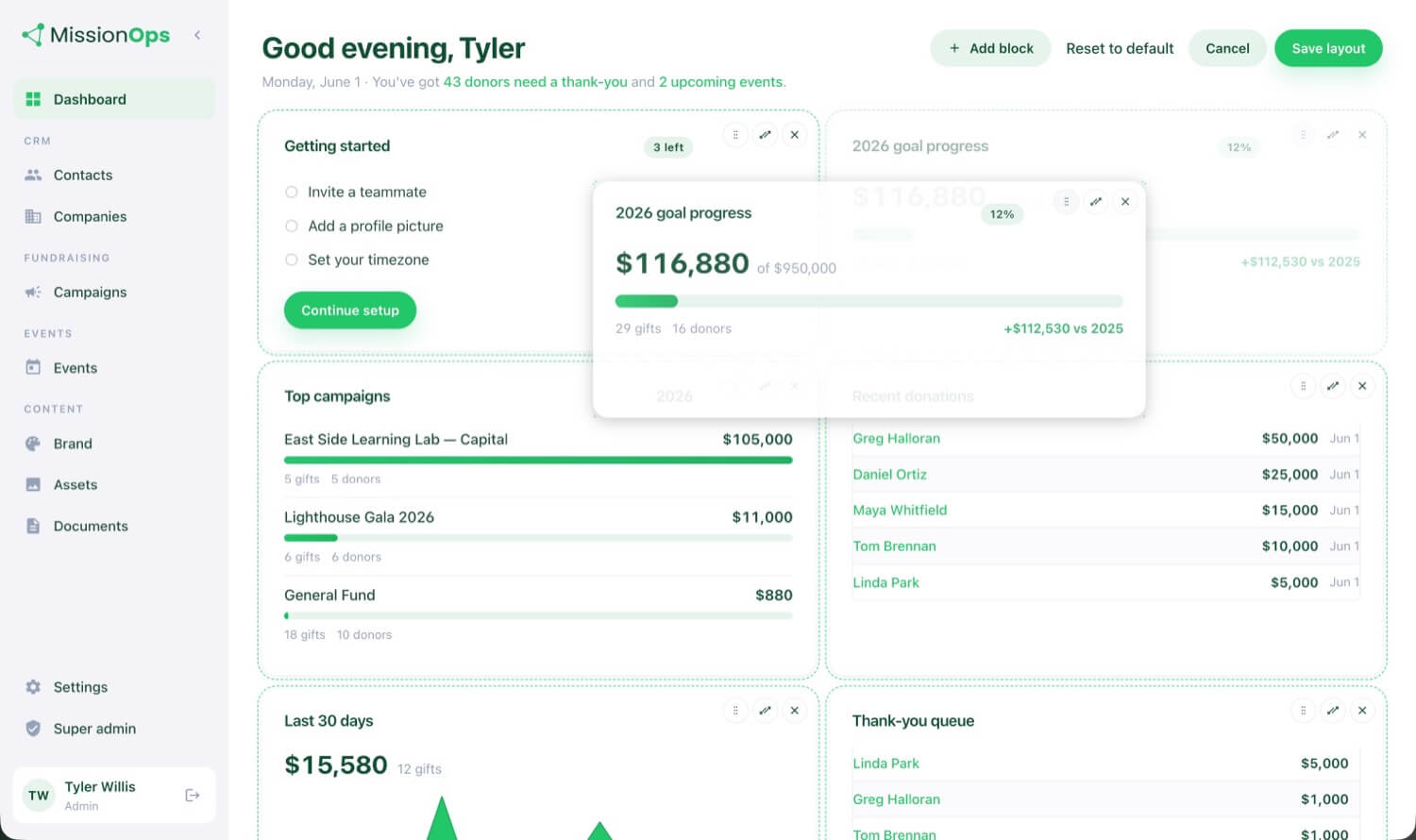
Not every nonprofit needs every feature on day one. Mission Ops lets your team remove or hide modules that do not apply, so your dashboard stays clean and focused.

  • Use grants but not events? Hide events.
  • Need donors and board tools first? Start there.
  • Want to add campaigns later? Turn them on when you are ready.

Your system should fit your nonprofit, not overwhelm it.

Solutions

Built for every person moving the mission forward.

Each role gets a clearer way to do their part without creating more confusion for everyone else.

Executive Directors

See what is happening, what needs attention, and whether your organization is on track.

Development Teams

Track donors, gifts, campaigns, sponsorships, thank-yous, recurring giving, and follow-up.

Marketing + Communications

Use approved brand language, templates, stories, assets, and AI support to create clearer communication faster.

Event Teams

Manage sponsors, attendees, auction items, tasks, donations, expenses, and post-event reporting from one workspace.

Grant Writers

Track opportunities, deadlines, documents, narratives, submissions, awards, and reporting reminders.

Board Members

Get simple access to goals, meeting materials, campaign updates, outreach templates, and assigned tasks.

Operations Managers

Centralize users, permissions, documents, templates, tasks, workflows, and institutional knowledge.

What slips through the cracks

When systems are scattered, opportunities slip away.

  • Donors do not get thanked fast enough.
  • Sponsors are not renewed.
  • Events are repeated without clear ROI.
  • Grant deadlines sneak up too late.
  • Board members want to help but do not know what to do.
  • Staff waste time rebuilding the same campaigns, emails, and reports every year.

Mission Ops helps your nonprofit avoid missed follow-up, lost funding, weak reporting, and staff burnout by bringing the work into one connected place.

Resources

Not sure where your systems are breaking down?

Start with the Nonprofit Systems Audit. This simple checklist helps you identify where donor data, fundraising, events, grants, board work, documents, and reporting may be costing your team time, money, and clarity.

FAQs

Frequently asked questions

The questions we hear most. See all FAQs →

Is Mission Ops really free for nonprofits?

Yes. Mission Ops is designed so nonprofits can use the core system for free. The platform is funded through a small donation-related cost that donors are asked to cover when they give. The goal is to help nonprofits access better systems without adding another major software expense.

How does Mission Ops make money if the software is free for nonprofits?

Mission Ops is supported through a small platform fee connected to donations processed through the system. In most cases, donors are asked to cover that cost as part of their gift, which allows the nonprofit to keep using the software for free.

Who is Mission Ops best for?

Mission Ops is best for small to mid-sized nonprofits that are growing but feel stretched. It is especially helpful for organizations managing donors, grants, fundraising campaigns, events, sponsors, board involvement, and reporting without a large internal team.

Is Mission Ops a nonprofit CRM?

Mission Ops includes a nonprofit CRM, but it is more than a donor database. It connects donor management with fundraising, events, grants, communications, board work, documents, reporting, and AI-guided strategy.

Can Mission Ops replace the tools our nonprofit already uses?

In some cases, yes. Mission Ops can replace disconnected spreadsheets, donor lists, event planning documents, grant trackers, campaign calendars, and scattered files. In other cases, it can work alongside tools your nonprofit already trusts while giving your team one connected place to organize the work.

Can we turn off features or modules we do not need?

Yes. Mission Ops is designed so nonprofits can hide or turn off modules they do not use. This keeps the dashboard clean and focused instead of overwhelming your team with tools that do not apply.

What makes the AI in Mission Ops different?

Mission Ops AI is not just a content generator. It acts more like a strategic coworker. It looks at your goals, campaigns, events, donor activity, grants, deadlines, and progress, then recommends what your team should focus on next.

What happens during Mission Ops setup?

Mission Ops starts with a guided intake process. We help your team capture, refine, and organize your mission, brand, goals, programs, events, grants, board structure, existing documents, and annual plan so the system is built around how your nonprofit actually works.

Your mission deserves better than scattered systems.

Mission Ops gives your nonprofit the structure, visibility, and AI-guided support to raise more, work smarter, and prove your impact — without adding more tools to the pile.